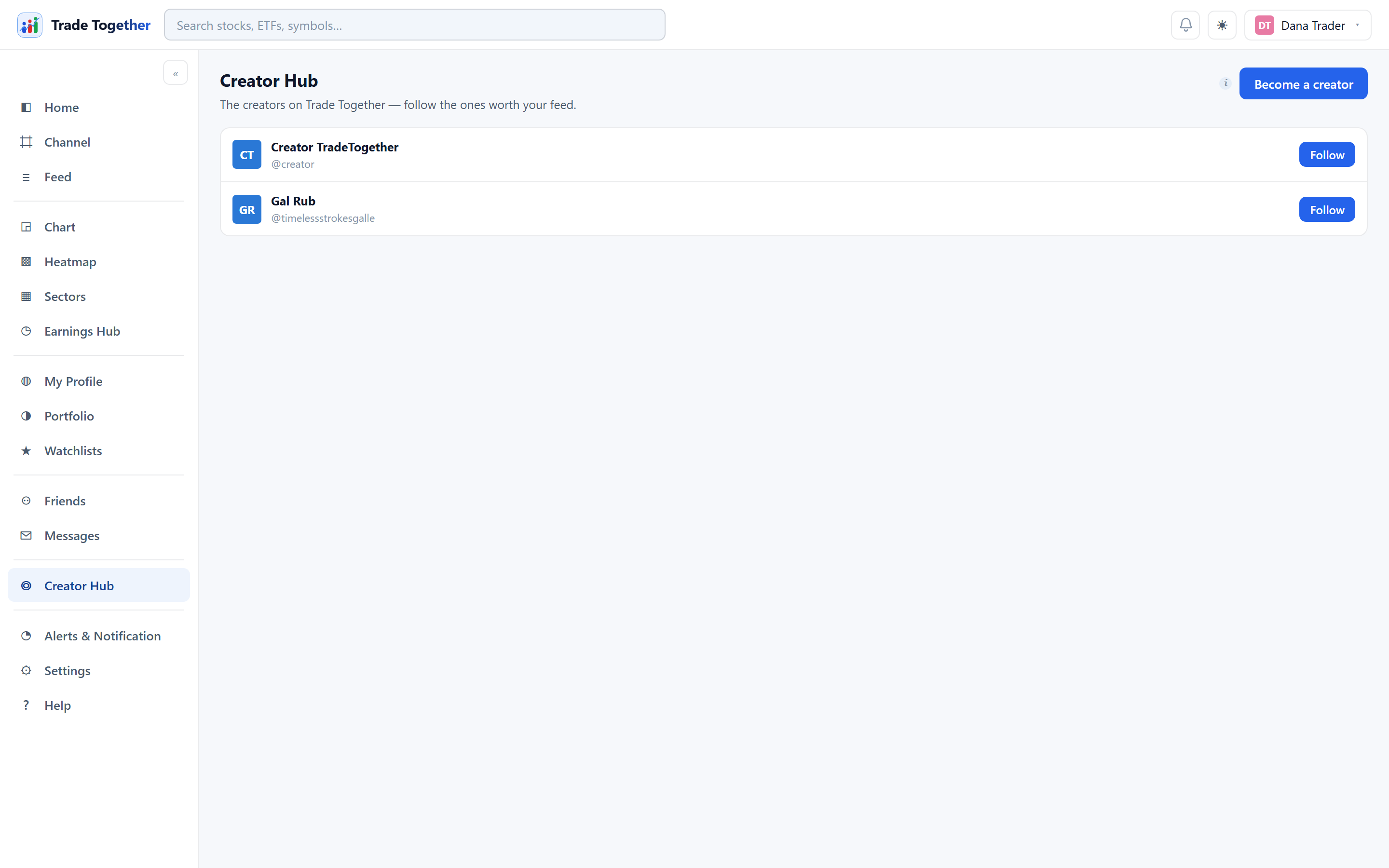
The Creator Hub shows one of two pages depending on whether you are a creator yourself.
20.1 Finding creators
By default the page lists the creators on Trade Together, each with a Follow button. Following brings their posts into your feed; whether you also get a notification for each one is up to the switches described in chapter 12.
20.2 Becoming a creator
Become a creator upgrades your account immediately. What you gain:
- your own organization and channels, where you decide who can post;
- a publishing desk — write posts and record screen-and-voice lessons straight from the hub;
- real numbers: followers, how many people each post reached, likes and replies;
What changes, and it is worth reading before you click Your profile becomes public-facing, and your trade log — which nobody can edit, including you — becomes what people judge you by.
Going back to a normal account means asking an administrator; it is not a switch you can flick yourself.
20.3 The hub
Four figures across the top: Followers (and how many have post alerts on), Subscribers, Views · 30d and Alert reach — how many people a post notifies. Views count unique people, not refreshes.
- New post
- Pick an organization and a channel, write, and Publish. The button tells you how many people it will notify before you press it.
- Record screen + voice
- Records your screen with narration, in the browser, and attaches the result to the post as a video. Your browser asks what to share. Stop recording — or ending the share from the browser's own bar — finishes the take, and you can preview it before publishing or Record again. Currently in testing: the record button is live for the administrator only, and shows a Coming-soon tag for everyone else until it records cleanly enough to hand over.
- Content performance
- Every post you have published with its views, likes and replies.